
Program administrators can resend an invitation to users who are listed as "Unregistered" on the Users page. From the SIMPL Web Platform follow these steps:
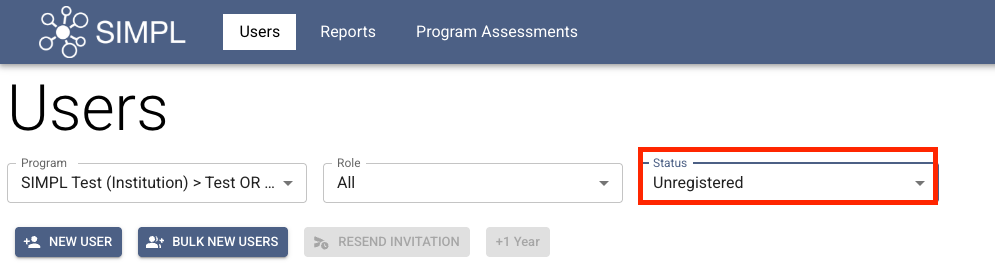
1. Under the Users tab, filter Status drop-down to Unregistered.
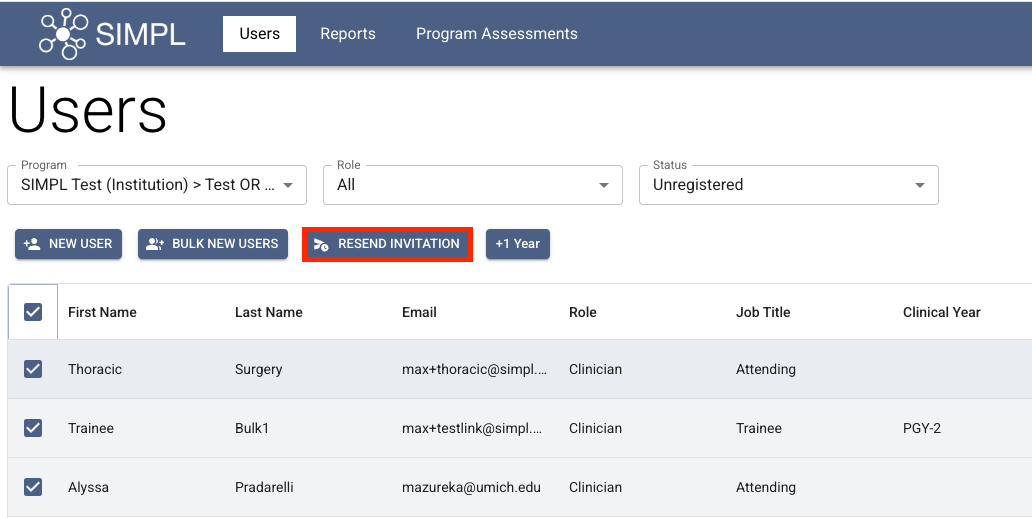
2. Select the Users to re-send invitations to and click "RESEND INVITATION".
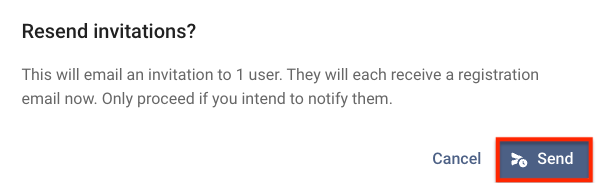
3. Click "Send", confirming that you want to resend invitations to the selected users.
4. Confirmation Message will appear on top of the screen confirming the invitations were resent.
