
Please see instructions below to complete registration for your SIMPL account:
1. Download the SIMPL App:
SIMPL App for iOS
SIMPL App for Android
2. Open email from help@simpl.org with the subject SIMPL Instructions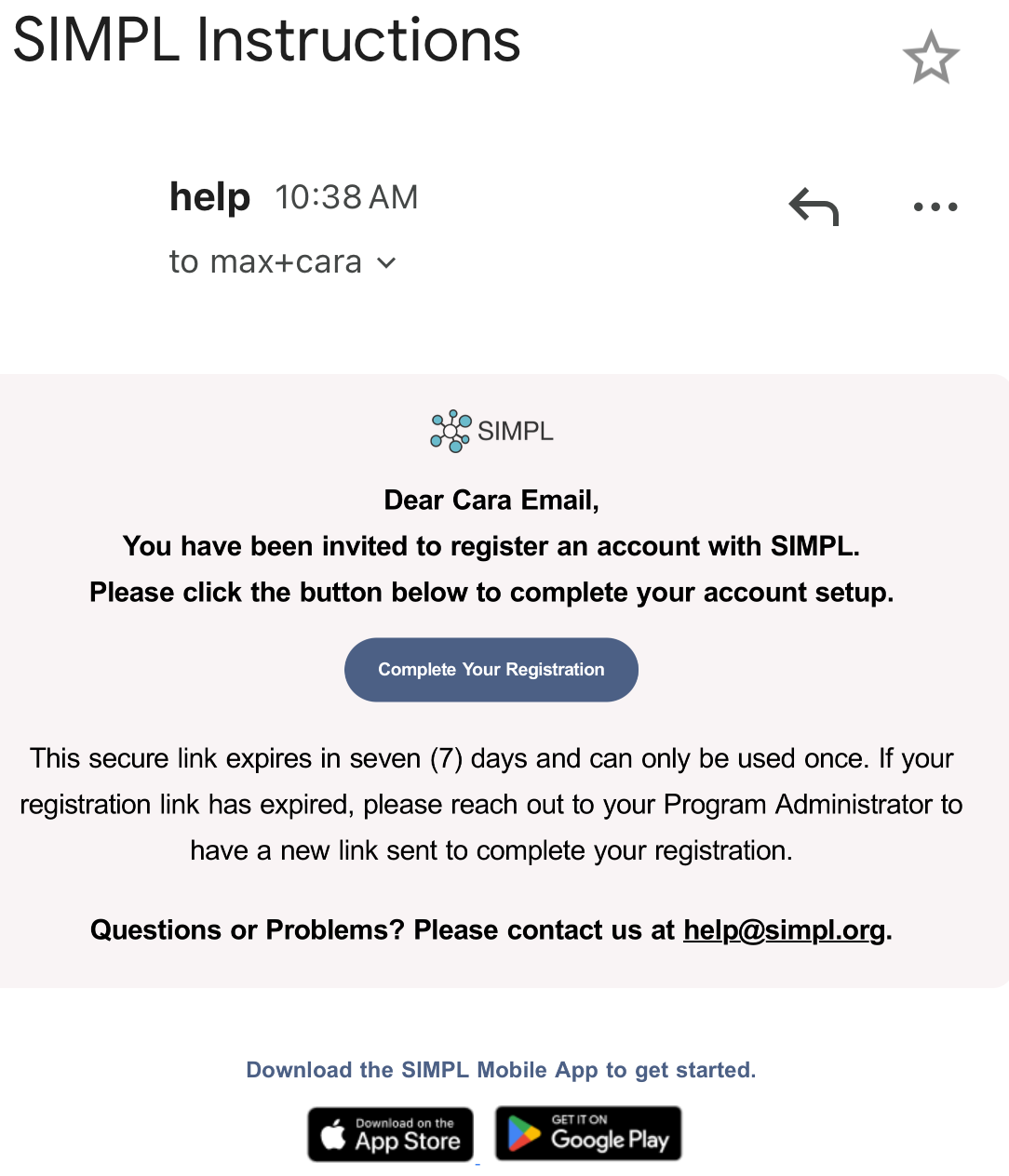
3. Click on "Complete Your Registration" button on the email. SIMPL App will open.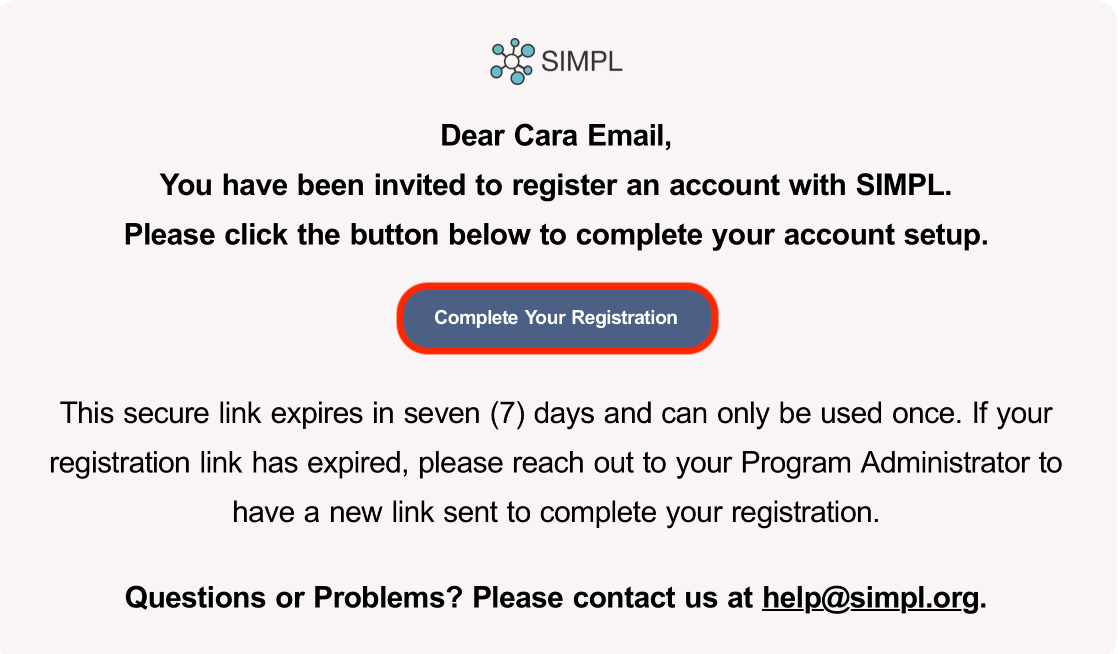
4. Create your password and Click "Set Password".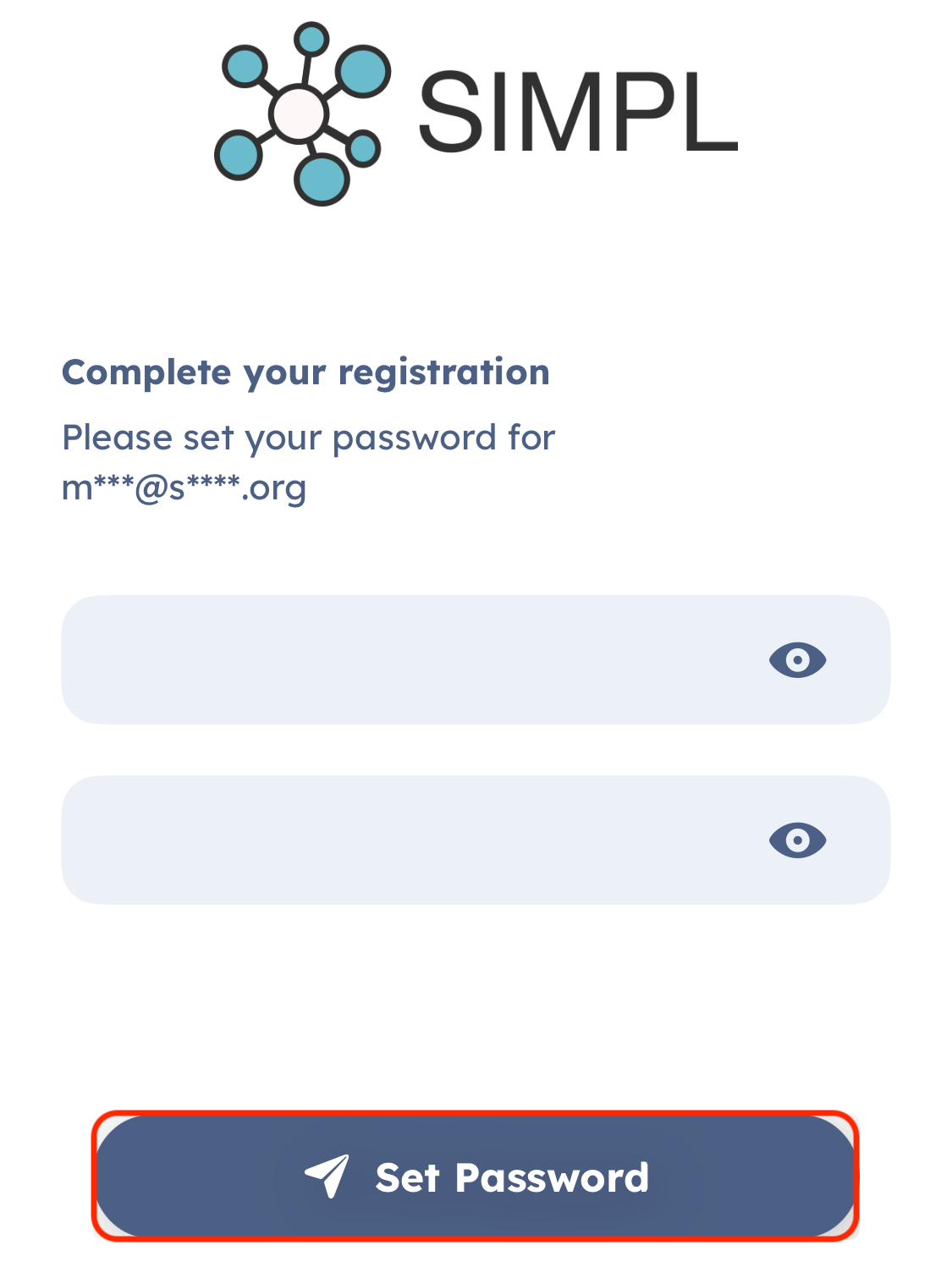
5. Read & review the EULA. Scroll down to the bottom and click "I Accept".
6. You are logged in and ready to use SIMPL!!!!